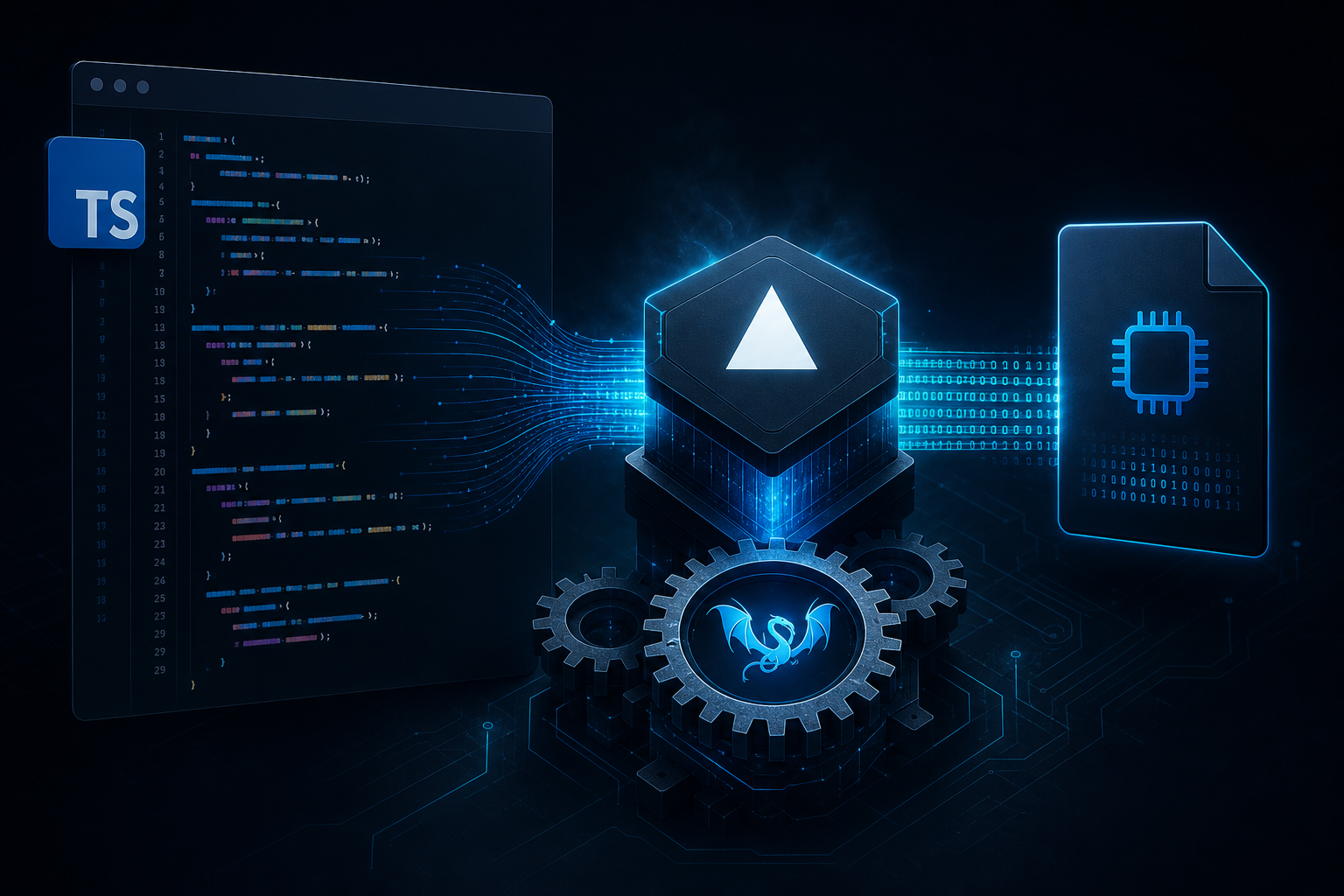
JavaScript and TypeScript conquered the web, but CLI tools, edge utilities, and system scripts still push toward Go, Rust, or Python packaging when you need a single distributable binary. Scriptc, an experimental Vercel Labs project published at vercel-labs/scriptc, bridges that gap: it compiles TypeScript source into native executables runnable without installing Node.js on the target machine.
By default Scriptc avoids embedding the full V8 engine. It transpiles and compiles toward native code paths suited to small, self-contained programs. When npm dependencies are needed, the --dynamic flag embeds QuickJS to run JavaScript modules inside the binary — a deliberate trade-off between artifact size and ecosystem reach.
Status: experimental. macOS arm64 (Apple Silicon) is the primary supported platform as of mid-2026. Treat production deploy as early-adopter territory — APIs and flags may change between releases.
Compilation Pipeline and LLVM's Role
Scriptc is not a simple bundler that packages Node. The typical pipeline follows distinct phases:
- TypeScript parsing: AST analysis with type checking (based on TypeScript toolchain)
- Lowering: transformation toward compilable intermediate representation — supported TypeScript subset, not every bleeding-edge ECMAScript feature
- LLVM code generation: emission of optimizable LLVM IR — same ecosystem used by Clang, Rust, Swift
- Native linking: production of macOS/Linux executable with minimal embedded runtime
- (Optional) QuickJS embed: with
--dynamic, bundle includes lightweight JS interpreter for npm modules not statically compilable
| Mode | JS engine in bundle | Typical size | npm compatibility |
|---|---|---|---|
| Default (static) | None / minimal | Smaller | Pure TS subset, no native addons |
--dynamic | QuickJS embedded | Larger | Most pure JS modules |
Scriptc targets "native compiled first" — the philosophical opposite of nexe/pkg which package the entire Node/V8 stack. LLVM offers optimizations and multiple targets; QuickJS is the safety valve for the npm ecosystem.
Installation
The npm package name is scriptc — not @vercel/scriptc. The scoped name is a frequent error in early blog posts.
npm install -g scriptc

# Verify installation
scriptc --version

# Command help
scriptc --help
Typical requirements: recent Node.js/npm for installation, Xcode command-line tools on macOS for native compilation, Mac arm64 for best-supported path. Consult GitHub README for experimental Linux x64 builds as they arrive.
scriptc run and scriptc build
scriptc run — development and testing
Runs TypeScript directly during development, analogous to ts-node but through the Scriptc pipeline:
scriptc run src/cli.ts -- --flag valueArguments after -- pass to the script's process.argv.
scriptc build — binary distribution
scriptc build src/cli.ts -o dist/my-tool

# With npm dependencies (QuickJS embedded)
scriptc build src/cli.ts -o dist/my-tool --dynamic
The output binary can be copied to machines without Node. Startup time and memory footprint are typically lower than bundling a full Node runtime — exact numbers depend on static vs dynamic.
Useful flags
-o / --output— output executable path--dynamic— embed QuickJS for npm compatibility--minify— size reduction (if supported in current release)--target— platform/architecture (verify release support)
Complete CLI Example
src/greet.ts
#!/usr/bin/env scriptc
const name = process.argv[2] ?? "world";

function greet(target: string): string {
  return `Hello, ${target}!`;
}

console.log(greet(name));
Iterative development
scriptc run src/greet.ts -- Vittorio
# Output: Hello, Vittorio!
Build and distribution
scriptc build src/greet.ts -o greet
chmod +x greet
./greet BVRobotics
# Output: Hello, BVRobotics!

# Copy to another macOS arm64 machine — no Node required
scp greet user@server:/usr/local/bin/
CLI with npm dependency (dynamic)
// src/hash.ts — uses npm library
import { createHash } from "crypto";

const input = process.argv[2] ?? "";
console.log(createHash("sha256").update(input).digest("hex"));
scriptc build src/hash.ts -o hash-tool --dynamic
./hash-tool "test"
# SHA256 hex outputComparison with Node.js and Alternatives
| Approach | Runtime required on target | Typical size | Maturity |
|---|---|---|---|
| Node.js script | Node installed | Minimal source | Maximum |
| pkg / nexe | Self-contained (V8 bundled) | Large (~50MB+) | High |
| Deno compile | Self-contained (Deno runtime) | Large | Medium-high |
| Bun --compile | Self-contained (Bun runtime) | Medium-large | Medium |
| Scriptc default | None | Small | Experimental |
| Scriptc --dynamic | None (QuickJS inside) | Medium | Experimental |
| Go/Rust rewrite | None | Small | High (dev cost) |
- vs Node + pkg/nexe: Scriptc targets native compilation first instead of packaging the entire Node/V8 stack — potentially smaller, less mature ecosystem
- vs Deno compile: Deno bundles its runtime; Scriptc default avoids full V8. Different philosophies, overlapping CLI use cases
- vs Bun --compile: Bun optimizes speed inside the Bun runtime; Scriptc comes from Vercel tooling lineage with developer edge/serverless in mind
- vs rewriting in Go/Rust: Scriptc preserves TypeScript skills and existing code — value when the script already exists and rewrite cost is unjustified
Limitations and Honest Expectations
- Experimental status: breaking changes, incomplete platform matrix, sparse edge case documentation
- macOS arm64 focus: Intel Mac, Windows, Linux may work partially or not at all — verify before committing Scriptc in CI
- Not every npm package works in static mode — native addons (
node-gyp) and V8-specific APIs are problematic - Debugging compiled binaries harder than running under
tsx— keep Scriptc for distribution, not daily debug - TypeScript subset: bleeding-edge ES/TS features may not be supported — consult issue tracker
Ideal Use Cases
- Internal DevOps scripts shared across teams without imposing aligned Node versions
- Code generators and migration utilities shipped as a single file
- Edge-adjacent tooling from teams already invested in the Vercel TypeScript stack
- Native-feeling CLI prototyping before a possible Rust rewrite
- Maker automation: firmware deploy scripts, flash tools, serial port configurators — single binary to launch on macOS without Node setup in the field
- CI artifact: build once, run anywhere (within supported platform matrix)
CI/CD Workflow with Scriptc
Typical integration in a GitHub Actions pipeline on macOS arm64 runners:
# .github/workflows/build-cli.yml (example)
name: Build CLI
on: [push, pull_request]
jobs:
  build:
    runs-on: macos-latest
    steps:
      - uses: actions/checkout@v4
      - uses: actions/setup-node@v4
        with:
          node-version: '22'
      - run: npm install -g scriptc
      - run: scriptc build src/cli.ts -o dist/my-tool --dynamic
      - uses: actions/upload-artifact@v4
        with:
          name: my-tool-macos-arm64
          path: dist/my-tool
Note: verify platform matrix before promising Linux/Windows artifacts to customers. Scriptc evolves quickly — pin version in CI (npm install -g scriptc@x.y.z) for reproducible builds.
Debug vs release
Keep scriptc run or tsx for daily debug with source maps and verbose logging. Use scriptc build only for release artifacts and smoke tests on the compiled binary — debugging native binaries is still harder than a Node bundle.
Supported TypeScript Subset
Scriptc does not support every TypeScript/Node feature. Realistic expectations:
- Works well: pure CLI scripts, argv parsing, basic sync/async file I/O, standard data structures
- Uncertain / --dynamic: many pure JS npm libraries, built-in crypto, fetch (verify release)
- Problematic:
node-gypnative addons, complex worker threads, V8-specific dependencies - Not applicable: long-running Express server — Scriptc targets CLI and utilities, not a Node server replacement
Practical rule: If the script already runs with tsx without native modules, it is a Scriptc candidate. If it requires sharp, bcrypt, or similar, stay on Node or consider a Go/Rust rewrite.
Installation Troubleshooting
- scriptc: command not found — verify npm global PATH (
npm prefix -g) and addbinto shell profile - Linker error on macOS — install Xcode CLT:
xcode-select --install - Build fails on npm import — try
--dynamicor remove native dependency - Binary does not run on another machine — verify same architecture (arm64 vs x64); cross-compile support is limited
Scriptc in the Vercel Ecosystem
Scriptc comes from Vercel Labs — same orbit as Next.js, Turbopack, edge tools. Shared philosophy: TypeScript everywhere, minimal deploy friction. Scriptc extends this vision to CLI utilities that frontend teams already write in TS but today package with Node or rewrite in Go for distribution.
It does not compete with Vercel hosting for web apps. It completes the toolchain for build scripts, migrators, internal code generators — categories where a 5MB native binary beats a 200MB Node container for occasional tasks.
For teams already on macOS arm64 with the Vercel TypeScript stack, Scriptc is the natural next step when an internal script must be delivered to colleagues who do not have Node installed — typical in mixed hardware/firmware/software teams working on robotics and IoT.
Conclusions
Vercel Scriptc extends TypeScript's reach from browser and server to native executables — install globally with npm install -g scriptc, develop with scriptc run, distribute with scriptc build, and use --dynamic when npm dependencies require a JavaScript engine in the bundle.
It is experimental, today centered on Apple Silicon, and not a universal Node replacement. For the right problem — CLI-shaped, simple distribution, TypeScript team — it eliminates an entire category of "install Node 20+" support tickets — and that alone deserves attention.
Sources
- Scriptc GitHub (vercel-labs) — github.com/vercel-labs/scriptc
- npm package: scriptc — npmjs.com/package/scriptc
- QuickJS — bellard.org/quickjs
- LLVM Project — llvm.org