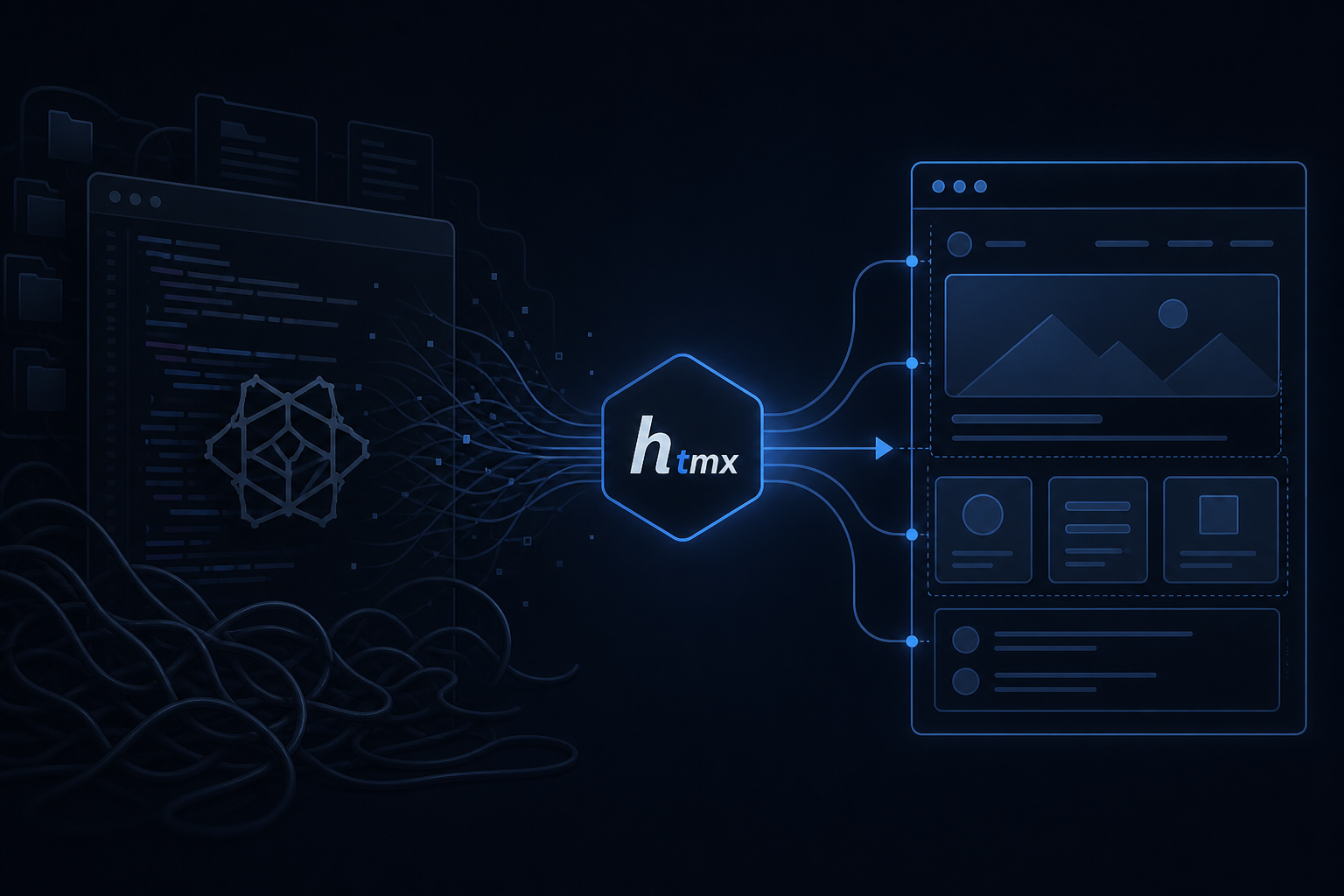
Every few years the frontend industry rediscovers an uncomfortable truth: most web applications are forms, lists, and partial updates — not operating systems in the browser. HTMX, created by Carson Gross and maintained as an open source project under bigskysoftware/htmx, embodies exactly this insight.
Instead of shipping a JavaScript framework that replicates server state on the client, HTMX extends HTML with attributes like hx-get, hx-post, and hx-swap that trigger HTTP requests and replace portions of server-rendered markup directly in the page. The entire library weighs about 16KB minified and gzipped. There is no virtual DOM, no mandatory build step, no component compiler.
Important note: This is not anti-React fanaticism. React, Vue, and Svelte excel where complex client state, offline behavior, or sub-100ms interactions dominate. HTMX excels where the server is the source of truth and most meaningful UI changes mean "fetch a new piece of HTML."
The Framework Wars
From 2015 to 2026 the frontend went through successive waves: Angular, React, Vue, Svelte, Solid, Astro, Qwik. Each wave promised less boilerplate, better performance, superior developer experience. In parallel, each wave introduced ever heavier toolchains: bundlers, transpilers, linters, test runners, state managers, client-side routers, atomic design systems.
The real cost is not just the initial download — although bundles from 300KB–2MB are not uncommon — but the cognitive split of the team. Business logic divided between REST/GraphQL APIs, client stores, components, hooks, middleware. Two languages (TypeScript + SQL/Python/Go), two deployment environments, two ways to debug the same bug.
HTMX does not enter this war as "the framework of the future." It enters as a course correction: for many apps, 90% of UI value can remain hypermedia — HTML traveling over HTTP as in 1999, but with modern AJAX, partial DOM swap, and declarative events.
The web was already hypermedia. SPA frameworks turned every page into a simulated desktop application. HTMX asks: was that really necessary? — Paraphrase from the Hypermedia Systems manifesto
Brief history of "stack splitting"
| Era | Dominant paradigm | Typical complexity | Where UI logic lives |
|---|---|---|---|
| 2000–2010 | Server MVC (Rails, Django, PHP) | Low | Server-side templates |
| 2010–2018 | SPA + REST API | High | Client JS + backend API |
| 2018–2023 | Hybrid SSR (Next, Nuxt) | Very high | Both sides |
| 2023–2026 | Hypermedia return (HTMX, Unpoly, Turbo) | Controlled | Predominantly server |
The "return" does not mean abandoning JavaScript where it is needed. It means stopping using it as mandatory glue between every user click and every server response.
What Is HTMX
HTMX is a JavaScript library that intercepts events on HTML elements — clicks, form submits, key presses, timers — and executes AJAX requests. The response is HTML, not JSON. HTMX parses the response and inserts it into a target element defined by the hx-target and hx-swap attributes.
Minimal inclusion in a page:
<script src="https://unpkg.com/htmx.org@2.0.4/dist/htmx.min.js"></script>No mandatory npm install to try it. No webpack. One script tag and a backend that knows how to return partial templates.
Core attributes
- hx-get / hx-post / hx-put / hx-delete / hx-patch — HTTP method and request URL
- hx-target — CSS selector of the element to update (default: the element itself)
- hx-swap — insertion strategy:
innerHTML,outerHTML,beforeend,delete,none - hx-trigger — custom events:
click,keyup changed delay:500ms,every 2s,intersect once - hx-indicator — spinner element shown during the request
- hx-vals — extra parameters sent with the request
- hx-boost — turns normal links and forms into transparent AJAX requests
Because responses are HTML fragments, the server-side template engine remains authoritative: validation errors, pagination, search results — all rendered once on the server and delivered as markup.
Design Principles
1. Hypermedia as the Engine of Application State (HATEOAS applied to UI)
Interface state is encoded in the DOM and attributes, not in a separate JavaScript store that must sync with the server. When the server responds with new HTML, that is the new state.
2. Locality of Behavior (LoB)
An element's behavior sits next to the markup that describes it. You do not have to jump between .tsx files, Redux reducers, and custom hooks to understand what a button does.
3. Progressive Enhancement
With hx-boost disabled or JavaScript absent, forms and links work like classic multi-page apps. HTMX adds fluidity; it does not create total client dependency.
4. Server as Single Source of Truth
Validation, authorization, and business rules stay where they always were: on the backend. The client does not replicate rules that can diverge.
For makers: If your IoT project already has a Flask server or an ESP32 with minimal web pages, HTMX lets you add reactive dashboards without introducing React into the firmware companion toolchain.
React vs HTMX Comparison — Side-by-Side Code
Scenario: product list with live search and row deletion. Same behavior, two philosophies.
HTMX approach (server + attributes)
Main template (Jinja2 / Django / any engine)
<!-- search_box.html -->
<input type="search" name="q" placeholder="Search products..."
       hx-get="/products/search"
       hx-trigger="keyup changed delay:300ms, search"
       hx-target="#product-list"
       hx-indicator="#spinner">

<div id="spinner" class="htmx-indicator">Loading...</div>

<table id="product-list">
  {% for p in products %}
  <tr id="product-{{ p.id }}">
    <td>{{ p.name }}</td>
    <td>{{ p.price }}</td>
    <td>
      <button hx-delete="/products/{{ p.id }}"
              hx-target="#product-{{ p.id }}"
              hx-swap="outerHTML swap:1s"
              hx-confirm="Delete {{ p.name }}?">
        Delete
      </button>
    </td>
  </tr>
  {% endfor %}
</table>
Flask endpoint (example)
@app.route("/products/search")
def search_products():
    q = request.args.get("q", "")
    products = db.query(Product).filter(Product.name.contains(q)).all()
    return render_template("_product_rows.html", products=products)

@app.route("/products/<int:pid>", methods=["DELETE"])
def delete_product(pid):
    db.delete(Product.query.get_or_404(pid))
    return "", 200  # HTMX removes the row with outerHTML swap
Files involved: 2 partial templates, 2 routes. Zero custom JavaScript files.
React approach (client + JSON API)
// ProductList.tsx — simplified version
import { useState, useEffect, useCallback } from "react";

interface Product { id: number; name: string; price: number; }

export function ProductList() {
  const [query, setQuery] = useState("");
  const [products, setProducts] = useState<Product[]>([]);
  const [loading, setLoading] = useState(false);
  const [error, setError] = useState<string | null>(null);

  const fetchProducts = useCallback(async (q: string) => {
    setLoading(true);
    setError(null);
    try {
      const res = await fetch(`/api/products?q=${encodeURIComponent(q)}`);
      if (!res.ok) throw new Error("Network error");
      setProducts(await res.json());
    } catch (e) {
      setError(e instanceof Error ? e.message : "Error");
    } finally {
      setLoading(false);
    }
  }, []);

  useEffect(() => {
    const t = setTimeout(() => fetchProducts(query), 300);
    return () => clearTimeout(t);
  }, [query, fetchProducts]);

  async function handleDelete(id: number, name: string) {
    if (!confirm(`Delete ${name}?`)) return;
    await fetch(`/api/products/${id}`, { method: "DELETE" });
    setProducts(prev => prev.filter(p => p.id !== id));
  }

  return (
    <div>
      <input value={query} onChange={e => setQuery(e.target.value)} />
      {loading && <span>Loading...</span>}
      {error && <p className="error">{error}</p>}
      <table>
        {products.map(p => (
          <tr key={p.id}>
            <td>{p.name}</td>
            <td>{p.price}</td>
            <td><button onClick={() => handleDelete(p.id, p.name)}>Delete</button></td>
          </tr>
        ))}
      </table>
    </div>
  );
}
Files involved: React component, TypeScript types, separate JSON API route, client error handling, manual debounce, loading state. More flexible for virtualized tables and complex sorting — but heavy for internal CRUD.
| Criterion | HTMX | React |
|---|---|---|
| Client size | ~16KB | 100KB–1MB+ (depends on bundle) |
| Build step | Optional | Almost always required |
| Response format | HTML partial | JSON + client mapping |
| Curve for backend-heavy teams | Low | Medium-high |
| Rich interactivity (canvas, complex drag) | Limited | Excellent |
| Time-to-first-interaction (simple CRUD) | Hours | Days |
Real Examples and Common Patterns
Inline form with server validation
<form hx-post="/items/42/update"
      hx-target="#item-42"
      hx-swap="outerHTML">
  <input name="title" value="Widget Pro">
  <button type="submit">Save</button>
</form>
On validation error, the server returns the form with embedded error messages — the same pattern as traditional multi-page apps, without a full reload.
Tab dashboard
<nav>
  <button hx-get="/dashboard/sales" hx-target="#panel" hx-swap="innerHTML">Sales</button>
  <button hx-get="/dashboard/inventory" hx-target="#panel" hx-swap="innerHTML">Inventory</button>
</nav>
<div id="panel">... initial tab content ...</div>
Sensor status polling (maker projects)
<div hx-get="/sensors/temp" hx-trigger="every 5s" hx-swap="innerHTML">
  Temperature: {{ temp }}°C
</div>
Perfect for 3D printer control panels, weather stations, energy box monitors — without WebSocket until you need sub-second real-time.
Lazy-loaded modal
<button hx-get="/modals/edit-user/7"
        hx-target="#modal-body"
        hx-swap="innerHTML">
  Edit user
</button>
<div id="modal-body"></div>
Advantages for Makers and BVRobotics Projects
- Unified stack with Python/Flask: Many robotic and IoT projects on the site already use Python backends. HTMX integrates without a second npm ecosystem.
- Deploy on modest hardware: A Raspberry Pi serving HTML partials consumes less RAM than a Node process doing React SSR.
- Debuggability: Open the endpoint in the browser, see the exact HTML HTMX will insert. No React DevTools required.
- Long-term maintainability: In five years, HTML + hx-* attributes remain readable. Frontend frameworks change every two years.
- Rapid prototyping: Dashboards for Miniservices, IoT temperature monitors, configurators — working in afternoons, not sprints.
- Accessibility: Semantic server-rendered markup is easier to make accessible than client-generated div soup.
For a maker, the right question is not "which framework is trendy?" but "how much time do I want to spend syncing state instead of building the robot?"
When to Use HTMX vs When You Need a SPA
HTMX is the right choice when...
- The app is predominantly CRUD: forms, tables, filters, multi-step wizards
- The audience uses reliable networks (internal tools, admin panel, backoffice)
- The team excels on the backend and wants to avoid a dedicated frontend split
- You need progressive enhancement and degraded operation without JS
- Delivery time matters more than maximum animated fluidity
- SEO for dynamic content is not critical (or you combine static pages + HTMX for authenticated area)
A SPA remains necessary when...
- Collaborative editors, canvas, spreadsheets, design tools
- Offline-first applications or PWAs with service worker and local sync
- Gesture-driven animations and transitions at 60fps
- Consumer products with "native app" expectations (instant routing, optimistic UI)
- Shared client state across dozens of widgets with sub-100ms updates
- Mature frontend team with invested React design system
Valid hybrid approach: SPA shell for complex authenticated area + HTMX for admin sections and forms. Or: static marketing site + internal HTMX app. It is not binary.
Ecosystem and Extensions
- hyperscript — companion language for inline behaviors (
_="on click toggle .open on #menu") - hx-boost — AJAXifies existing links and forms without rewriting them
- hx-ws / hx-sse — integrated WebSocket and Server-Sent Events
- django-htmx — middleware and helpers for Django
- flask-htmx, Laravel integrations, ASP.NET Core
- htmx.org extensions — response-targets, head-support, preload
Testing
Tests hit the same endpoints HTMX calls and verify the output HTML. E2E with Playwright/Cypress works: the DOM updates with real HTML, not framework-specific shadow DOM.
Security
HTMX does not bypass CSRF: use tokens in forms as always. Watch for DELETE endpoints exposed without authentication — same risk as any REST API. Always validate server-side; the HTMX client is not trusted.
Conclusions
HTMX is not a revolution against modern frameworks. It is a disciplined return to hypermedia: HTTP, HTML, partial swap. For forms, dashboards, and internal tools, that discipline saves weeks of build configuration and entire categories of state synchronization bugs.
Keep React where the product requires it. Reach for HTMX where the server already knows the answer and the UI only needs to show it — one fragment at a time. For a maker portfolio like BVRobotics, that often means more time on motors, sensors, and firmware — and less on webpack.config.js.
Sources
- HTMX Documentation — htmx.org/docs
- HTMX GitHub Repository — github.com/bigskysoftware/htmx
- Hypermedia Systems — hypermedia.systems
- django-htmx — github.com/adamchainz/django-htmx